Everything in the toolbox.
Every feature, in plain language — check it does what you need before you commit.
30-day free trial • No credit card required
Catalog
Your prices, not a database's.
One catalog of what you actually pay. Every estimate draws from it.
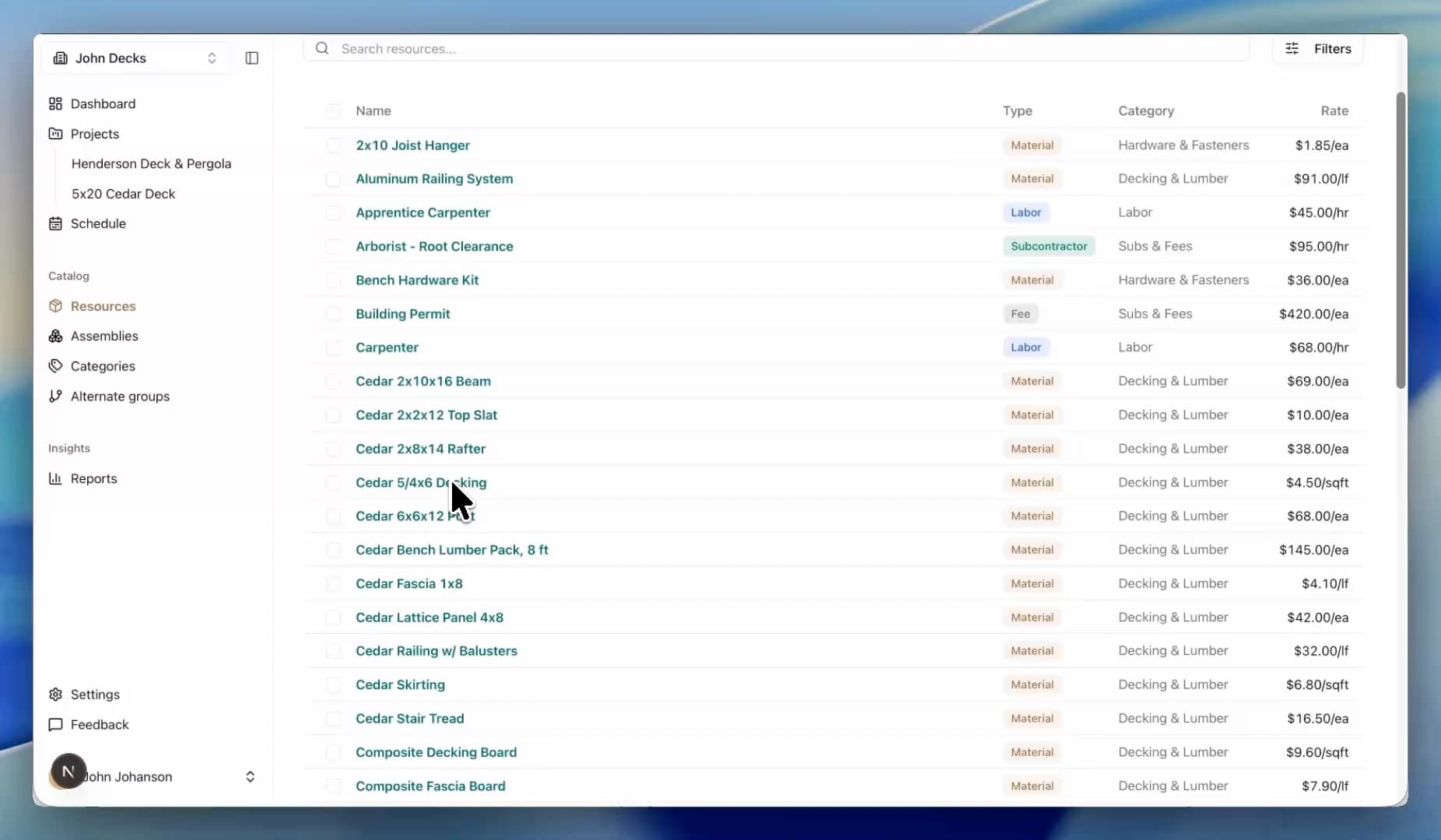
Five cost types
Materials, labor, equipment, subs, fees. One list.
Change it once
Update a price and every estimate follows.
Price history
Every change logged, with when and what it was before.
Your units
Metric or imperial, per resource.
Default waste & markup
Set on the resource; every line inherits.
Assemblies
Build it once. Drop it in anywhere.
Package the work you do over and over into priced assemblies.
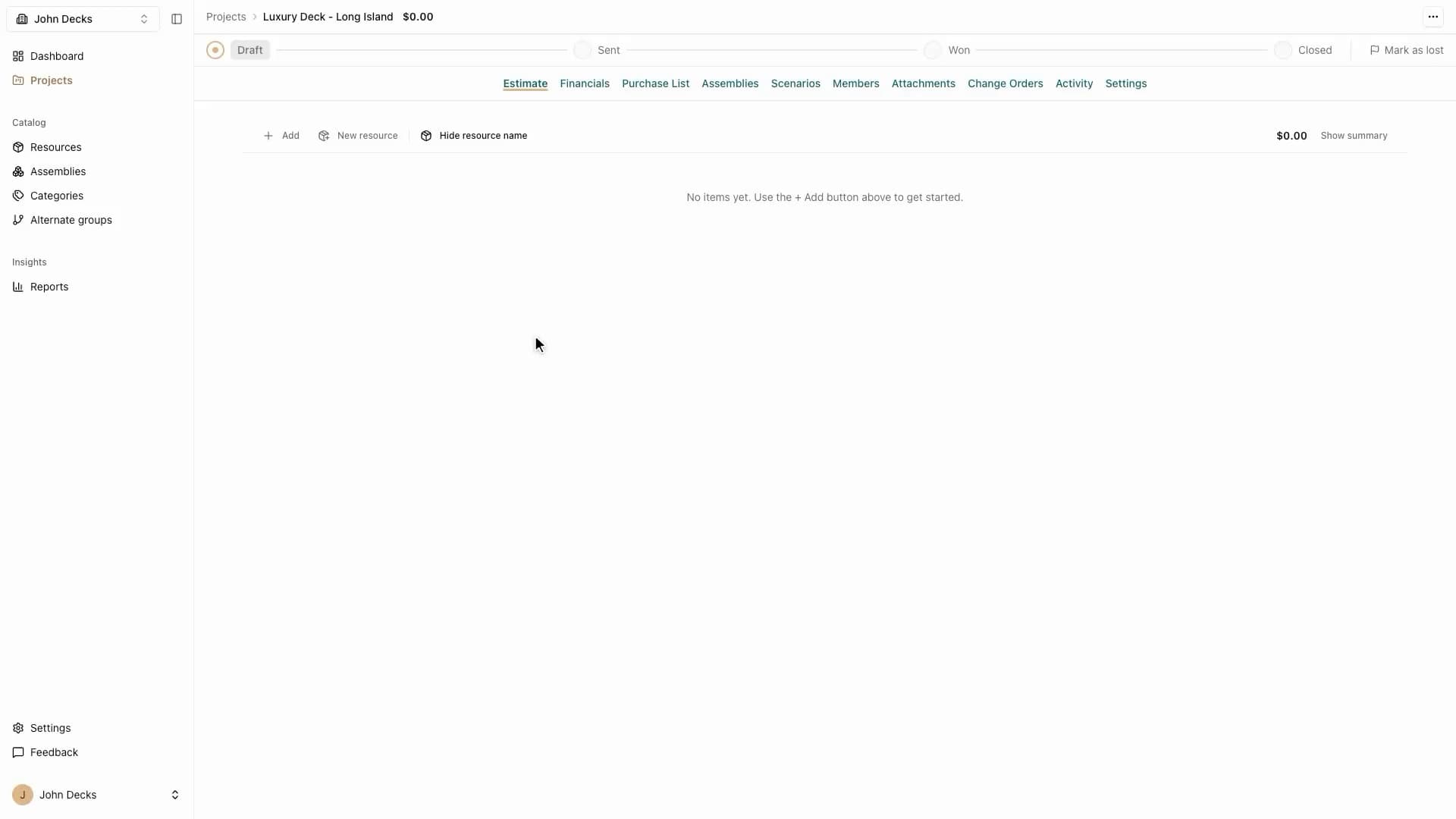
Reusable assemblies
Base cabinet, deck footing — built once, reused on every job.
Always current
Assemblies re-price from today's catalog when you drop them in.
Swap parts freely
Change a resource inside one estimate without touching the original.
Rename per job
Custom names stick; otherwise names follow the catalog.
The math
Every line computes itself.
Quantity, waste, markup, totals — live on every keystroke.
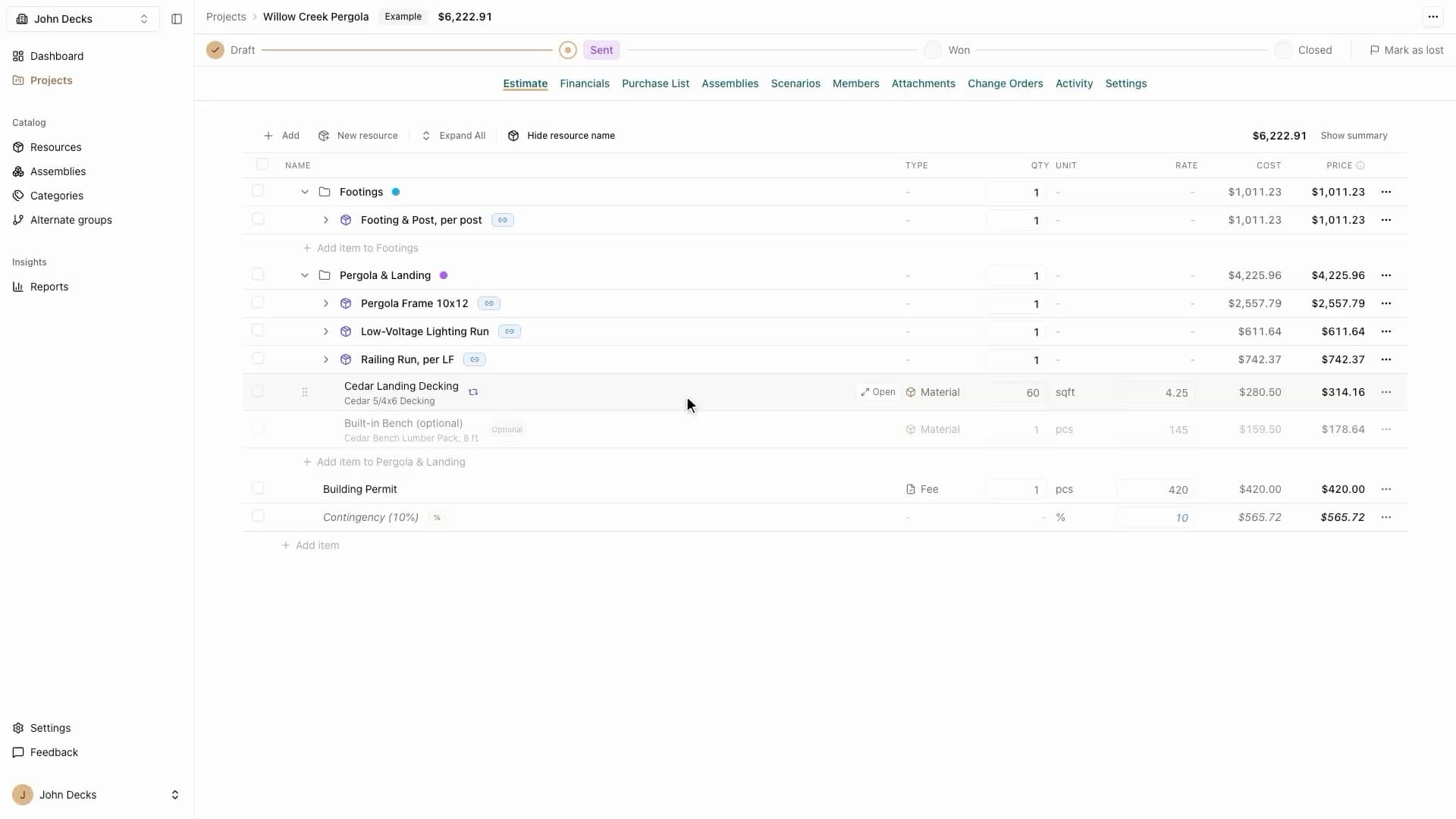
Waste factored in
qty × rate × waste on every material line.
Markup that sticks
Per line or per job. Never forgotten.
Three ways to price
Standard, fixed lump sum, or percent of subtotal.
Contingency & overhead
Percent adjustments on any group.
Live totals
The summary updates as you type.
Override without breaking
Pin a rate on one line; the catalog stays clean.
Scenarios
Price it three ways. Send one.
Compare options in one estimate, then lock the one you send.
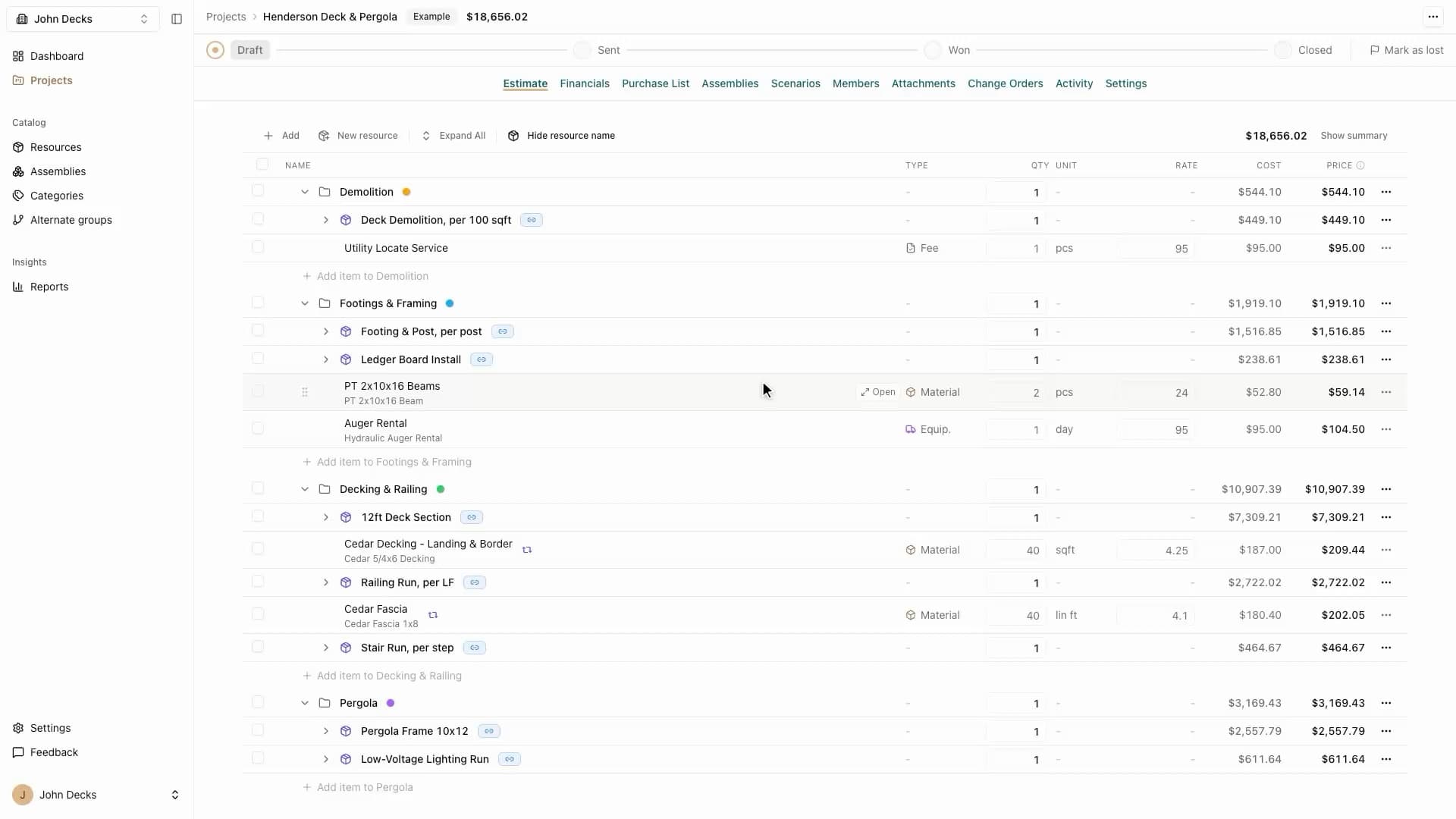
Side by side
Cedar $18,650. Composite $23,400. One estimate.
Lock the bid
Freeze the number you sent.
Client-ready comparison
Scenarios can go straight onto the proposal PDF.
AI drafting
Describe the job. Get a draft.
A head start on the blank page — priced from your own catalog.
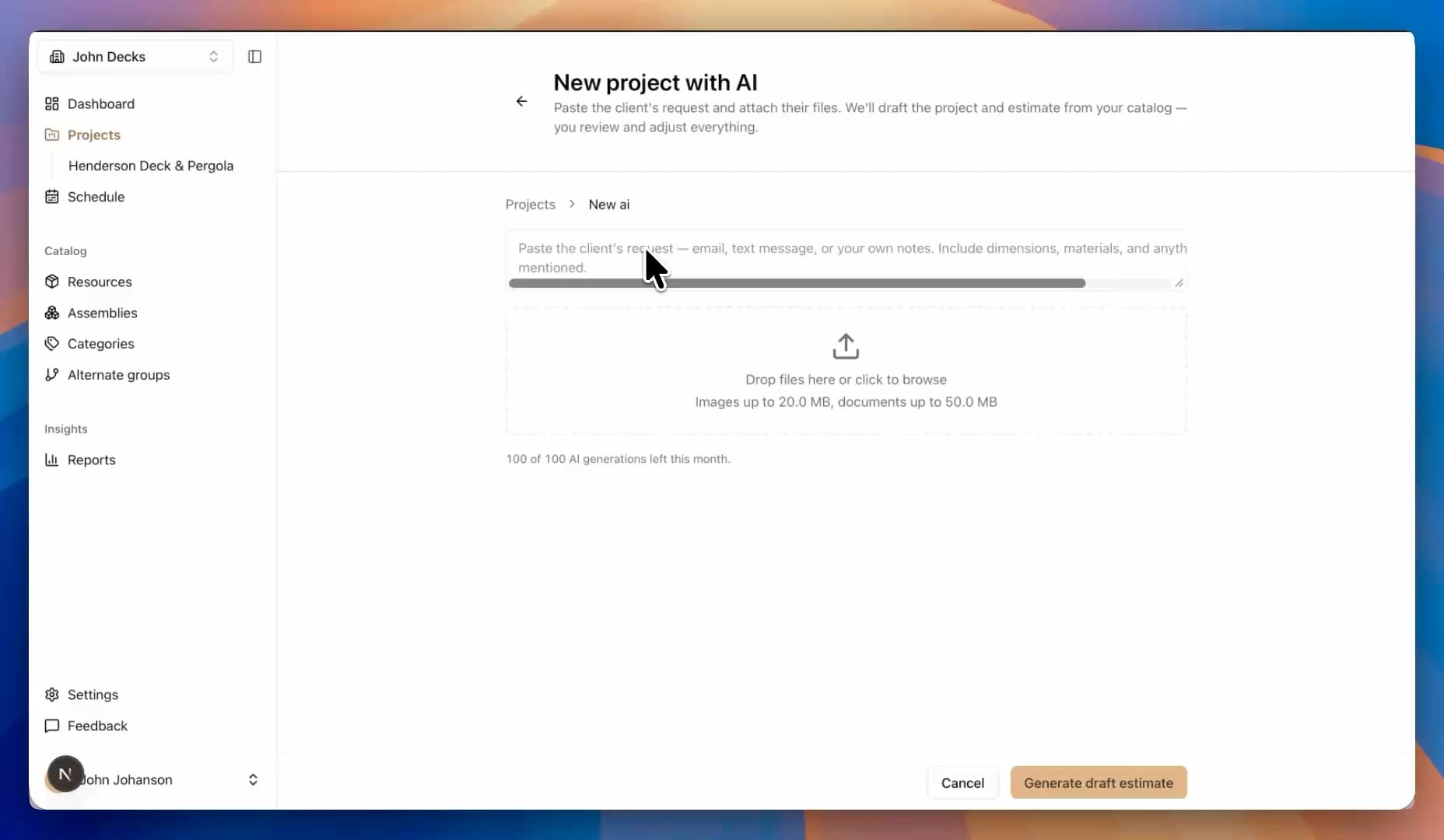
Your prices, not averages
Drafts are priced from your catalog, not national data.
A draft, not a decision
Every line lands in the editor for you to review.
Proposals
A PDF you'd hand a client.
What the client sees is as clean as what you built.
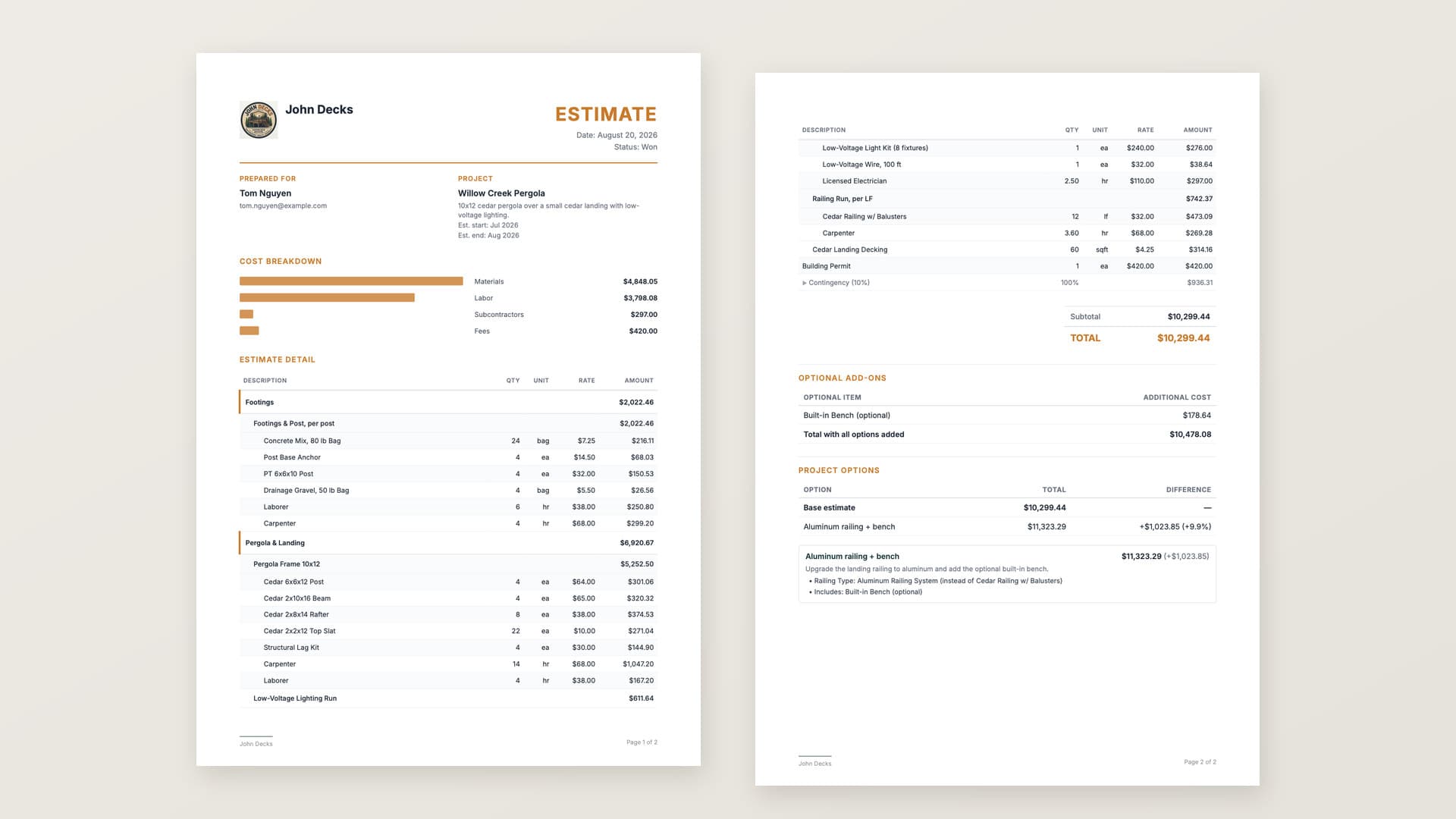
Clean estimate PDF
Customer-facing, no internal costs leaked.
Your logo on it
Your business, front and center.
Project Options
Show clients the scenarios side by side.
Schedule
Know what's running when.
Every job you've won on one timeline — phases, dates, and what overlaps.
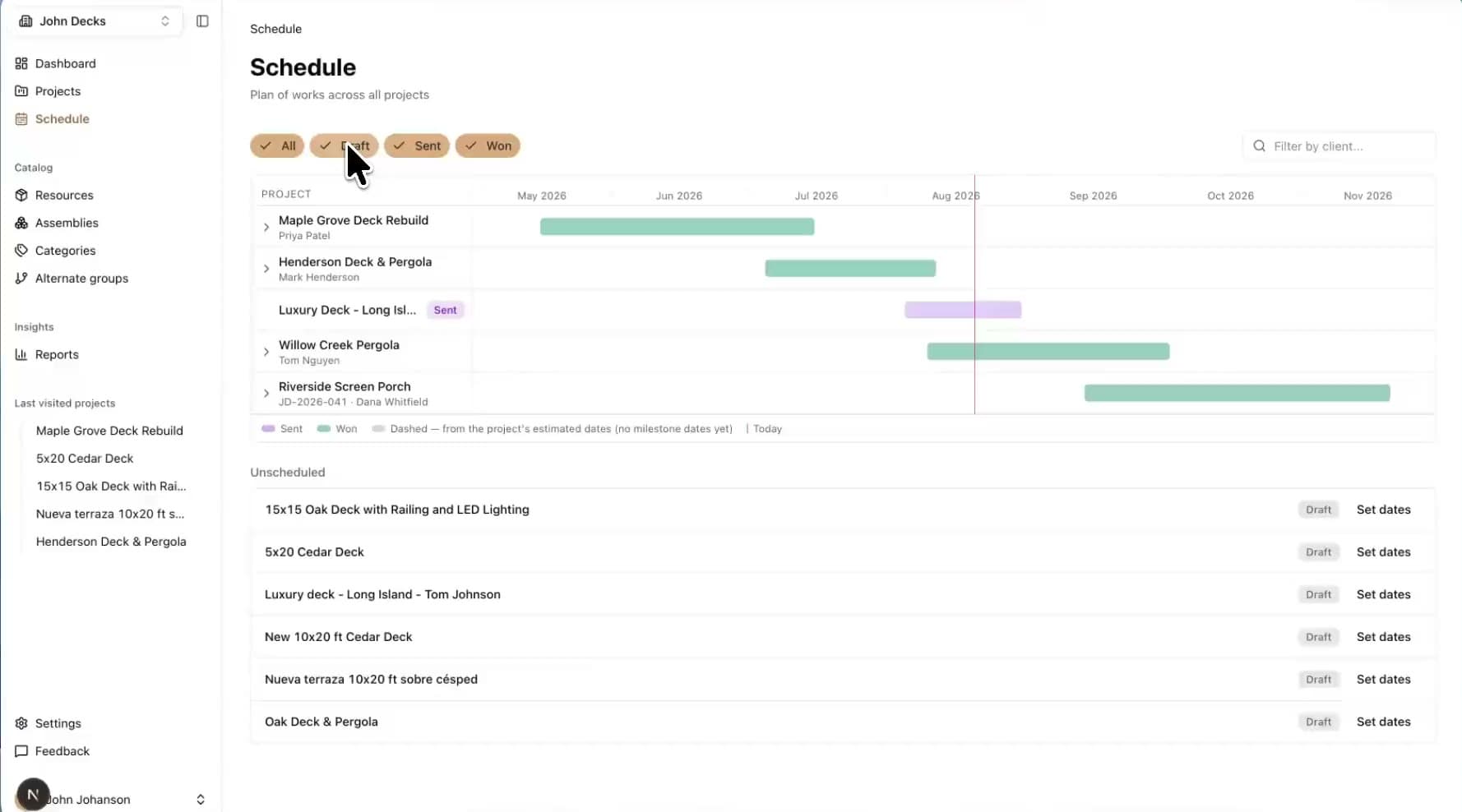
One timeline, every job
All your projects on one Gantt. Expand a job to see its phases.
Phases with dates
Break a job into milestones — demo, framing, finish — each with a start and end.
Value per phase
Assign estimate lines to a milestone and it carries its own slice of the total.
See the pipeline too
Toggle draft and sent jobs on to see what's coming, faded until it's won.
Job tracking
Know what each job really made.
The bid was a guess. The actuals are the answer.

Actuals against the bid
Log real costs against the locked number.
Winners and losers
See which jobs made money, not just felt like it.
Workspace
Bring the crew.
One catalog, one set of numbers, everyone on it.
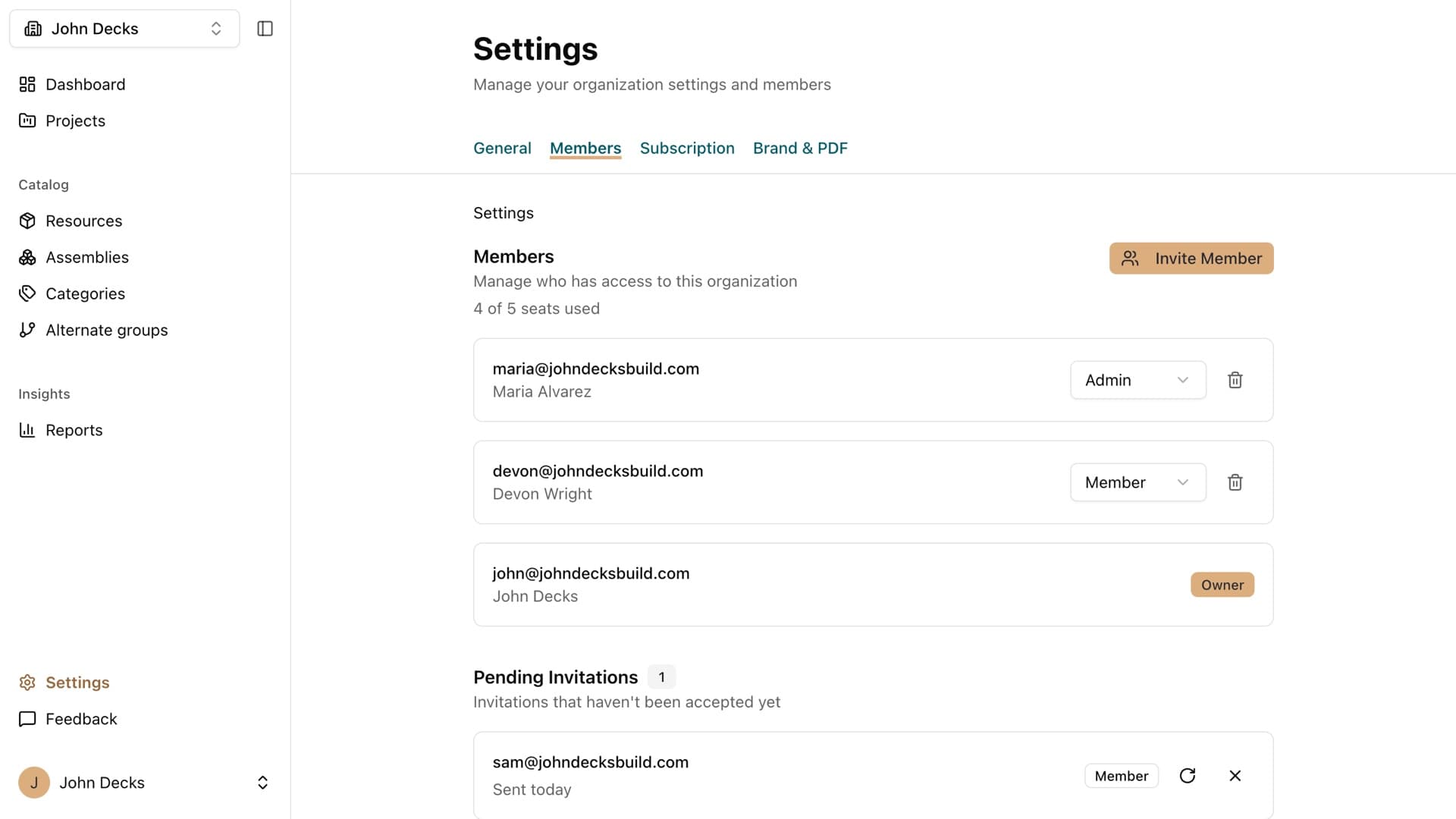
Invite your team
Everyone estimates from the same catalog.
Roles
Owners and admins control what changes.
Sign in with Google
Or email and password.
30-day free trial
No credit card required.
Tomorrow night, be done by 7:30.
30-day free trial • No credit card required
Built by a working builder
See plans & pricing